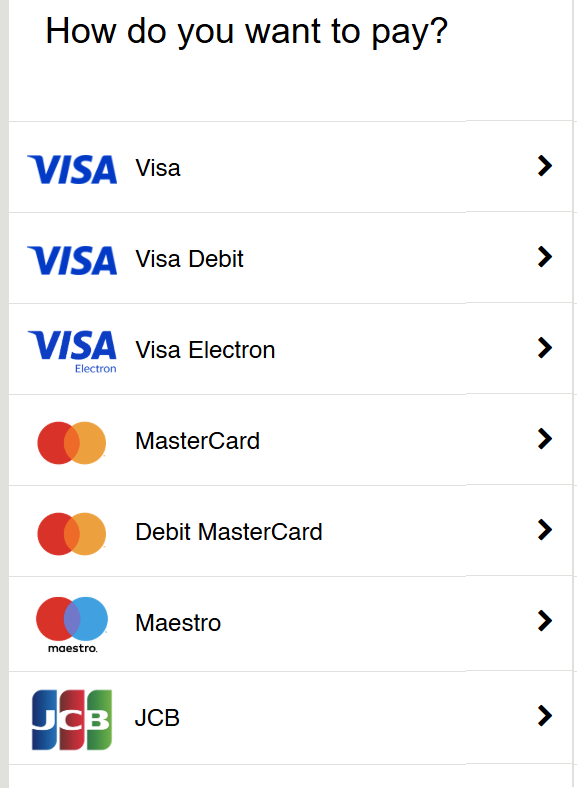
When you click Proceed to Payment, you will be asked which card you want to use
Make sure you click the correct card issuer and card type. There will be 6 choices - see image below
1. Check whether your card is a Visa, Mastercard, Maestro or JCB – there will be a logo on your card
2. If it is a Maestro, click the Maestro link
3. If it is a JCB card, click the JCB link
4. If it is a Mastercard, check whether it is a credit card (click Mastercard), or a debit card (click Debit Mastercard)
5. If it is a Visa card, check whether it is a credit card (click Visa), a debit card (click Visa Debit) or an Electron card (click Visa Electron)
You can access the online course whenever you need to and for as long as you want to. There is no time limit.
We do not provide a certificate of completion.
If you need to provide evidence that you have completed this course, you can type your answers onto the question sheets and print the completed pages. You can then build a portfolio to present to the relevant authorities.
If you are using a device such as a phone or iPad, you can write the questions and your answers in a notebook and use the completed document as your portfolio. You can also email your written work to anyone you choose.